Carousel Editor

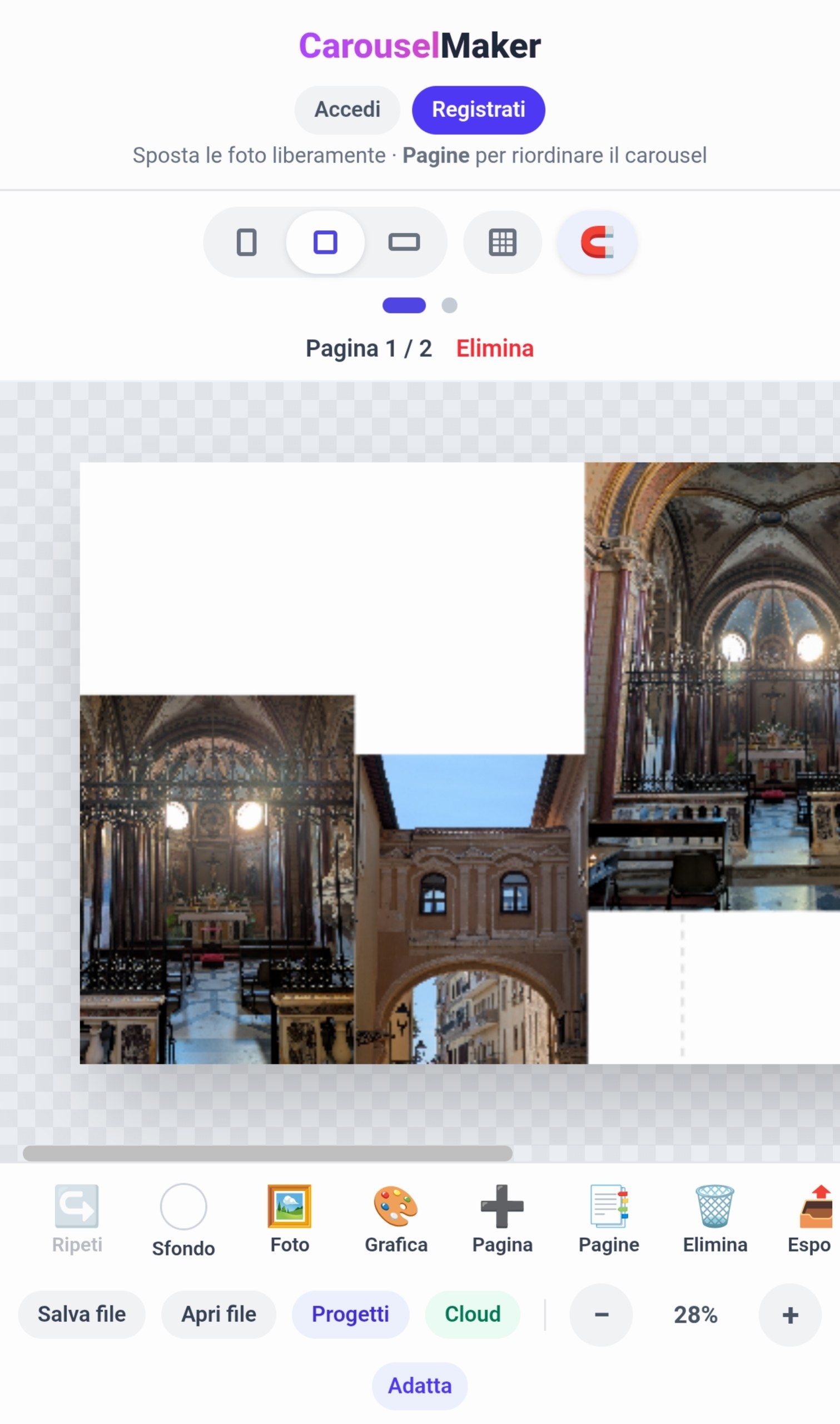
A browser editor for Instagram carousels: lay images across several slides on one canvas, then export each slide as a ready-to-post JPEG.

Category
Product & UX
Year
2026
Role
Product, UX and build
Stack
JavaScript + Vite · Fabric.js · Tailwind CSS · Supabase · PWA
Carousel Editor

01

Problem

Carousels that flow across slides are one of the most engaging Instagram formats, but building them in a general-purpose design tool means manual guides, cropping and exporting slide by slide. [Add who needed it and how long one carousel used to take.]

02

Approach

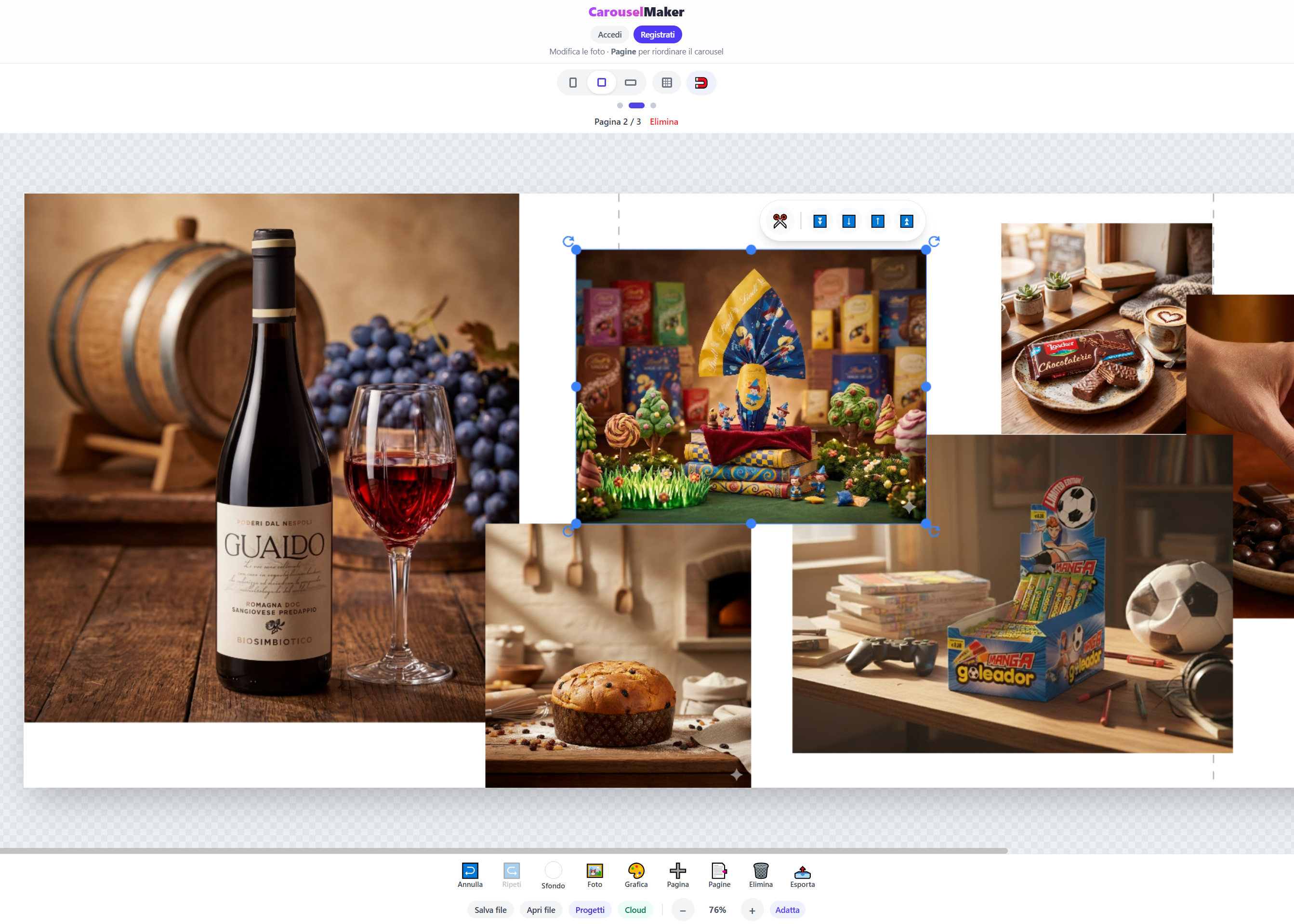
I built a dedicated editor around that single job. Slides sit side by side on one multi-page canvas, so an image can span two slides and line up perfectly. Drag and drop, cropping, snap guides, a grid, zoom and undo/redo cover the editing; Instagram's 4:5, 1:1 and 1.91:1 ratios are built in. Export splits the canvas into one JPEG per slide.

Work is never lost: projects autosave locally, can be exported as a native .CMF file, and can be saved to the cloud through Supabase with a login. It is a Progressive Web App, so it installs on desktop or phone and works offline.

03

Result

[Add who uses it and what changed, e.g. a carousel now takes X minutes instead of Y.]

Design decisions

  • One job, done well. A tool shaped around carousels removes every step a general design app leaves to the user.
  • The canvas is the carousel. Editing all slides on one continuous canvas makes cross-slide layouts natural instead of fiddly.
  • Cloud with a budget. Cloud saving is capped at three projects per account, keeping running costs predictable, while local autosave and file export stay unlimited.
Carousel Editor

Next project

Grid Collage Maker