Newsletter Image Generator

A tool that builds a shop's 10-product newsletter from a spreadsheet and generates product images with AI — replacing half a day of manual Photoshop work per issue.

Category
AI & Automation
Year
2026
Role
Workflow analysis, UX, prototyping and build
Stack
React · Cursor · Fal.ai · AI image generation + system prompt
Newsletter Image Generator

01

Problem

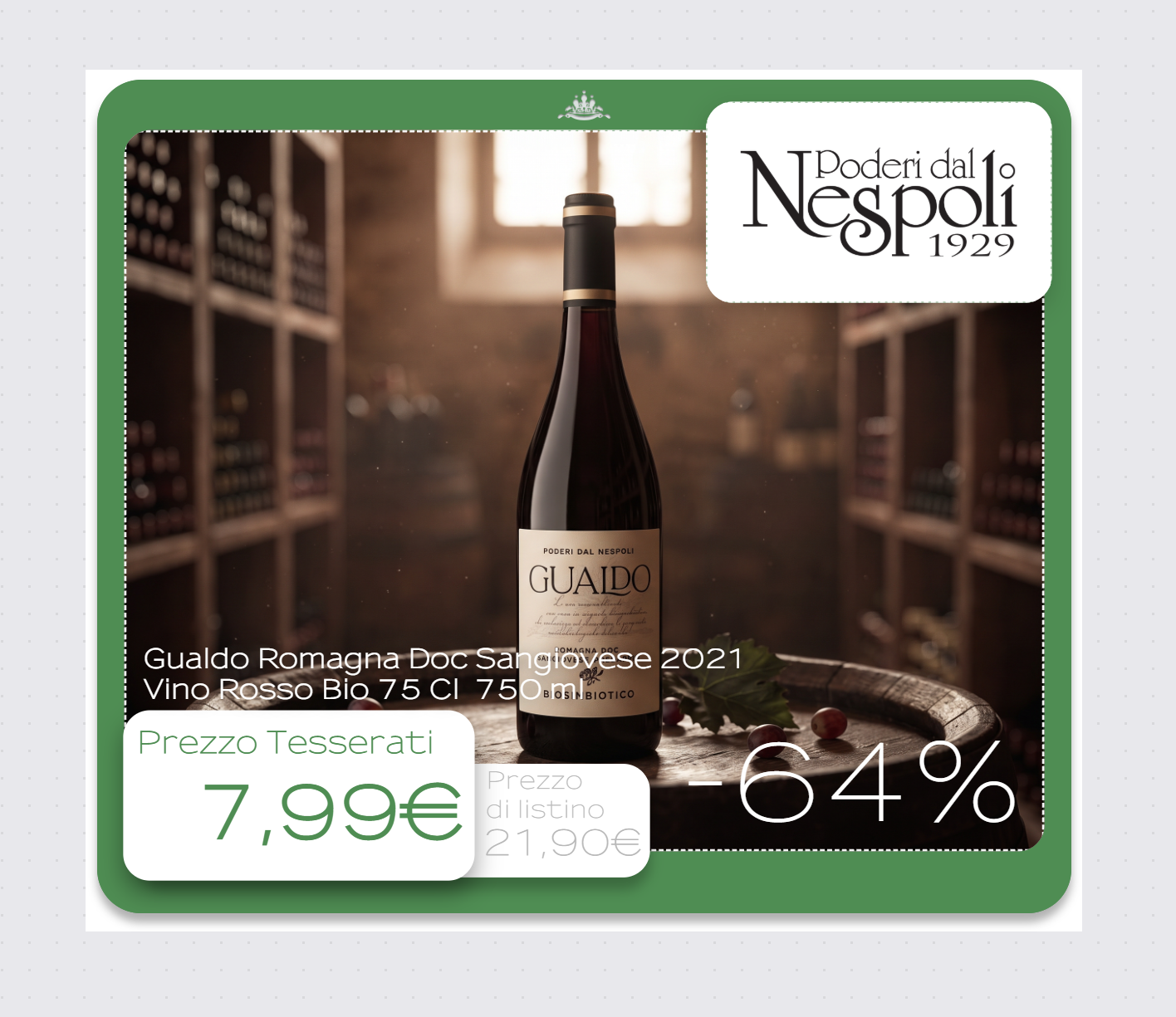
A small shop sends a newsletter featuring 10 products per issue. Each product slide was built by hand in a Photoshop template: description, original price, members' price, discount percentage, brand logo and product photo.

The product photos were generated one by one through separate Gemini chats, then placed manually. One newsletter took about half a day of repetitive work.

02

Approach

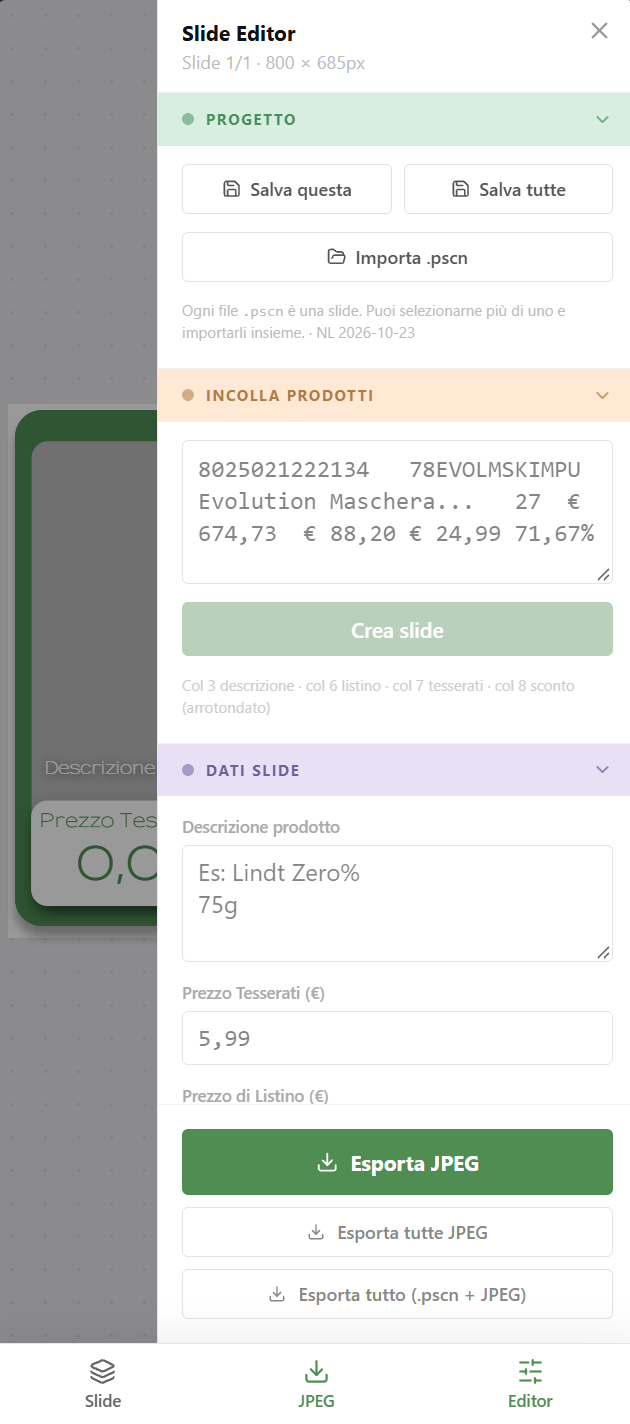
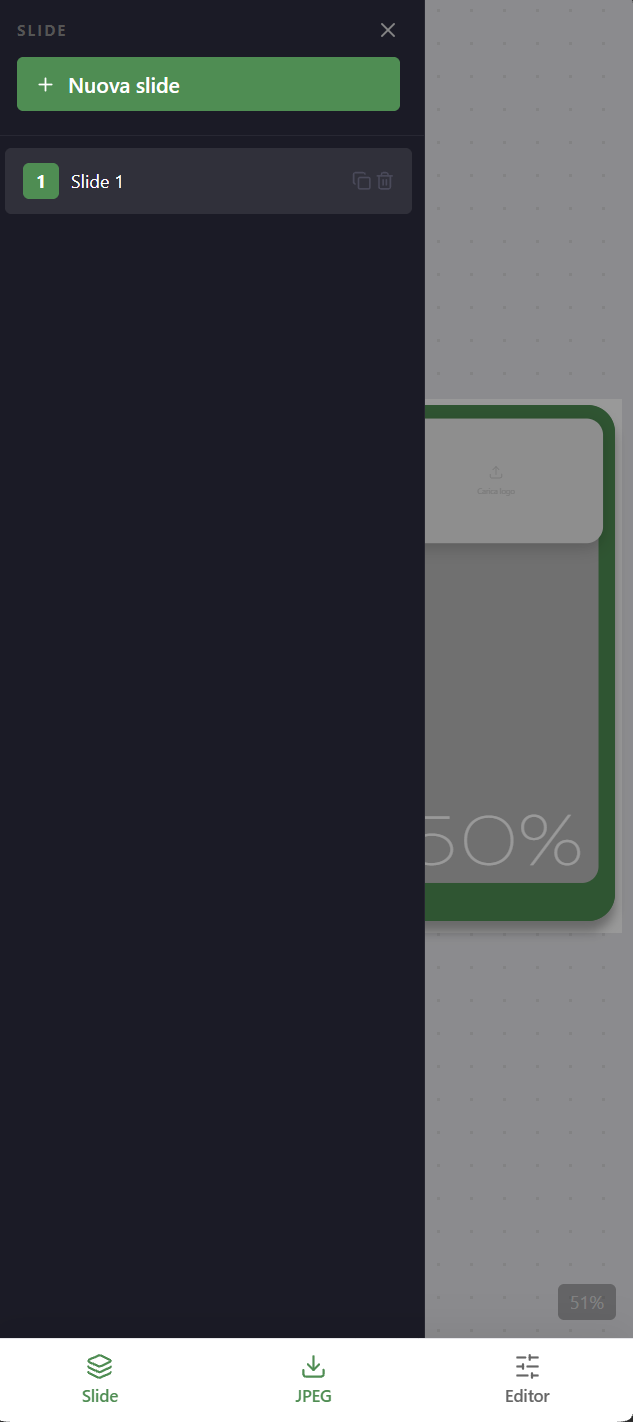
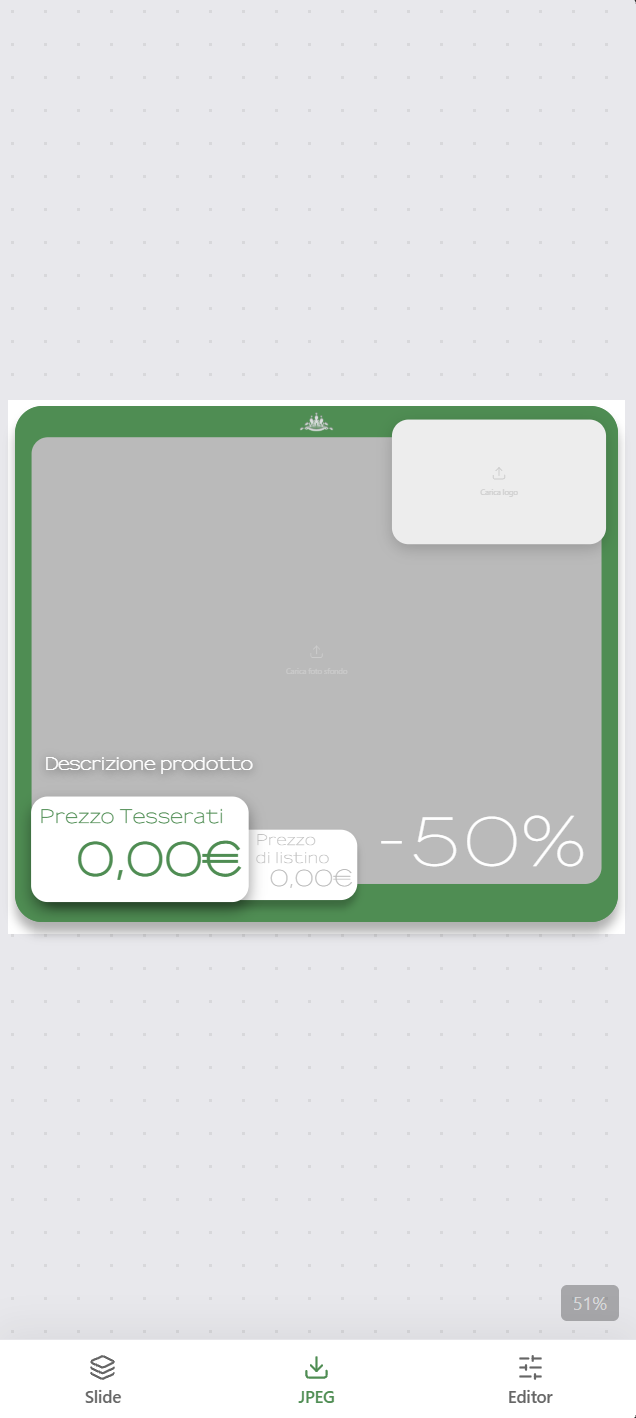
I mapped the manual steps and moved each one into a single tool. The team copies the product rows from their Excel sheet and the tool creates one slide per product, with all the data already in place.

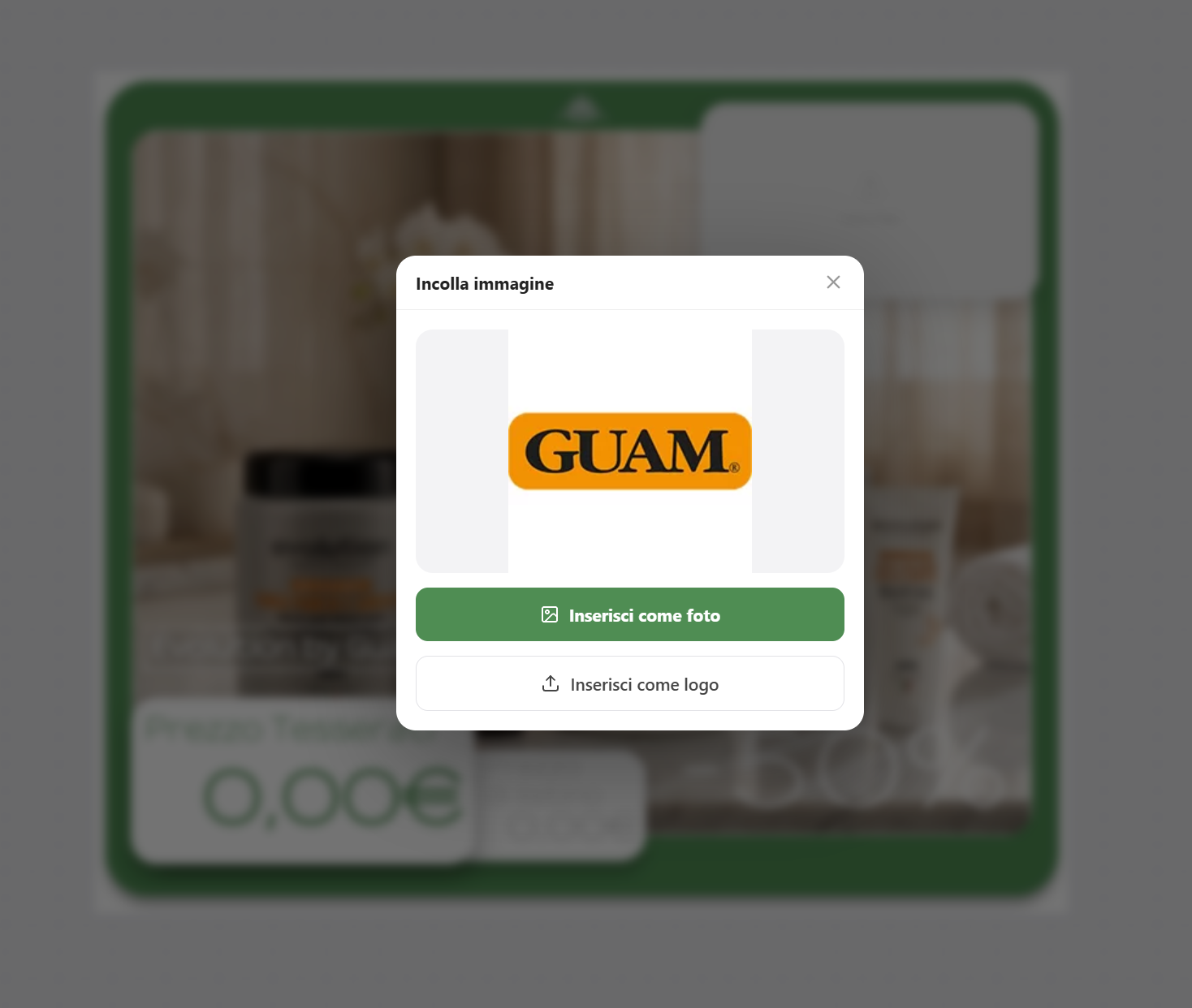
For the image, they paste a product photo — downloaded from the web or shot on a phone — and press "Generate with AI". A Fal.ai workflow guided by a system prompt turns it into a consistent product visual. Logos are pasted the same way.

Every element on a slide stays editable, so special products can get a custom layout without leaving the tool.

Each slide exports twice: a compressed JPG ready for the newsletter, and a native project file that stores the slide's data and image (base64), so any slide can be reopened and edited later instead of rebuilt.

03

Result

In use since August 2026 for two newsletters a week. Each issue went from about half a day to around 30 minutes — roughly 7 hours saved every week — with a consistent look across all 10 products and no more copy-paste errors on prices and discounts.

The production work is now almost gone. What's left is editorial: finding good source photos and choosing products that haven't been featured in the last two months.

Design decisions

  • Start from the data the team already has. Pasting rows from Excel means no new database to maintain and nothing new to learn.
  • AI only where it removes real work. Data placement is deterministic; generation is used just for the product image, where it replaced the slowest step.
  • Automation with an escape hatch. Slides are generated automatically, but every element can still be moved or edited by hand.
  • Nothing is ever a dead end. A self-contained native file per slide means past work can be reopened and reused, not just viewed as a flat image.

What's next

With production solved, the bottleneck moved to product selection. The next step is to keep a history of featured products and flag anything used in the last two months, so the team can pick a fresh line-up in seconds.
Newsletter Image Generator

Next project

Ear Training Chords